How to Learn Facebook Automation: A Complete A to Z Guide
June 22, 2026 · muzaffar
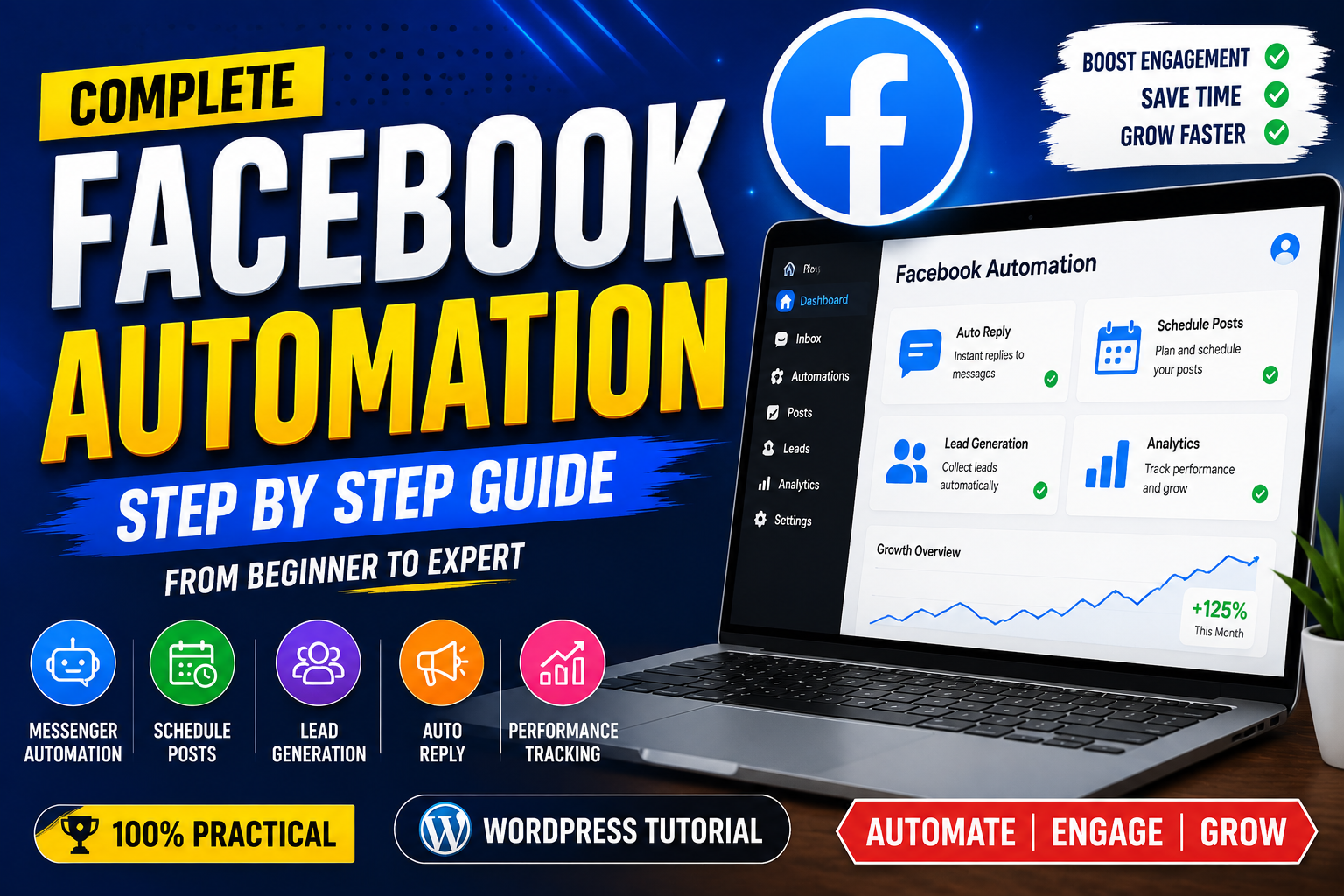
Facebook automation is one of the most useful skills for businesses, marketers, and online entrepreneurs. It helps you manage Facebook pages, create content schedules, reply to customers, generate leads, and improve marketing performance with less manual work. Learning Facebook automation can save time and help you grow your online presence professionally.
In this complete A to Z guide, you will learn what Facebook automation is, which tools you need, how to start, and how to become an expert.
What is Facebook Automation?
Facebook automation means using tools, software, and strategies to automatically manage different tasks on Facebook. Instead of doing everything manually, automation allows you to schedule posts, answer messages, analyze results, and manage campaigns automatically.
For example:
- Automatically posting content at specific times
- Sending instant replies to customers
- Collecting customer information
- Managing Facebook ads
- Tracking page performance
Facebook automation is commonly used by businesses, digital marketers, and social media managers.
Step 1: Learn Facebook Basics
Before starting automation, you should understand how Facebook works. Learn about:
- Facebook Pages
- Facebook Groups
- Business Manager
- Meta Ads Manager
- Facebook Insights
- Messenger features
- Content creation
You should know how to create and optimize a professional Facebook page, add business information, create posts, and understand your audience.
Step 2: Learn Meta Business Suite
Meta Business Suite is the main platform for managing Facebook and Instagram.
With Meta Business Suite, you can:
- Schedule posts
- Reply to messages
- Manage comments
- View analytics
- Create content calendars
Start by exploring every option inside Meta Business Suite. Practice scheduling posts and checking insights daily.
Step 3: Learn Content Automation
Content automation helps you publish content regularly without posting manually every day.
Important skills include:
- Creating content calendars
- Scheduling posts
- Creating captions
- Designing images
- Making reels and videos
Tools you can learn:
- Canva for designs
- Content planners
- Scheduling tools
A good content strategy includes educational posts, promotional posts, videos, and customer engagement content.
Step 4: Learn Facebook Messenger Automation
Messenger automation helps businesses communicate with customers instantly.
You can create:
- Welcome messages
- Frequently asked question replies
- Customer support messages
- Lead collection messages
Many businesses use chat automation to answer customers 24/7.
Learn how to create message flows, understand customer questions, and build simple automated conversations.
Step 5: Learn Facebook Ads Automation
Facebook Ads automation is a powerful skill. It allows you to run campaigns and optimize results.
Learn:
- Creating ad campaigns
- Audience targeting
- Budget management
- Retargeting
- Conversion tracking
Important advertising concepts:
- CPM (Cost Per Thousand Impressions)
- CPC (Cost Per Click)
- CTR (Click Through Rate)
- ROAS (Return on Ad Spend)
Practice by creating test campaigns and analyzing results.
Step 6: Learn Automation Tools
After learning Facebook basics, explore automation tools.
Popular categories include:
Scheduling Tools
Used for planning and publishing content.
Chat Automation Tools
Used for customer communication.
Marketing Automation Tools
Used for leads and sales processes.
Analytics Tools
Used for tracking performance.
Always learn the purpose of each tool instead of depending on one platform.
Step 7: Learn AI for Facebook Automation
Artificial Intelligence has changed social media automation.
AI can help with:
- Writing captions
- Generating content ideas
- Creating customer replies
- Analyzing audience behavior
- Improving ad strategies
Learn how to use AI responsibly to increase productivity.
Step 8: Create Practice Projects
The best way to learn is through practice.
Create a sample Facebook page and practice:
- Posting daily content
- Scheduling posts
- Creating automated replies
- Running small campaigns
- Checking analytics
Build a portfolio showing your automation skills.
Step 9: Learn Facebook Analytics
A professional Facebook automation expert understands data.
Learn how to analyze:
- Page visits
- Engagement rate
- Followers growth
- Video views
- Customer actions
Analytics helps you improve your strategy and get better results.
Step 10: Become a Facebook Automation Expert
To become professional:
- Follow Facebook marketing updates
- Practice every day
- Study successful pages
- Test different strategies
- Learn new AI tools
You can offer services such as:
- Facebook page management
- Social media automation
- Messenger automation
- Facebook advertising
- Content scheduling
Final Words
Facebook automation is a valuable digital skill that combines marketing, technology, and creativity. Anyone can learn it with proper practice and consistency. Start with Facebook basics, master Meta Business Suite, learn content scheduling, messaging automation, ads, analytics, and AI tools.
With time and experience, you can become a professional Facebook automation expert and help businesses grow online.
Leave a Reply